The Kindle Paperwhite Product Experience
Role
User Interface Designer

Tools
Figma
Deliverables
Project Proposal
Prototype
Process Page
Duration
2 months (8 weeks)
Project Overview
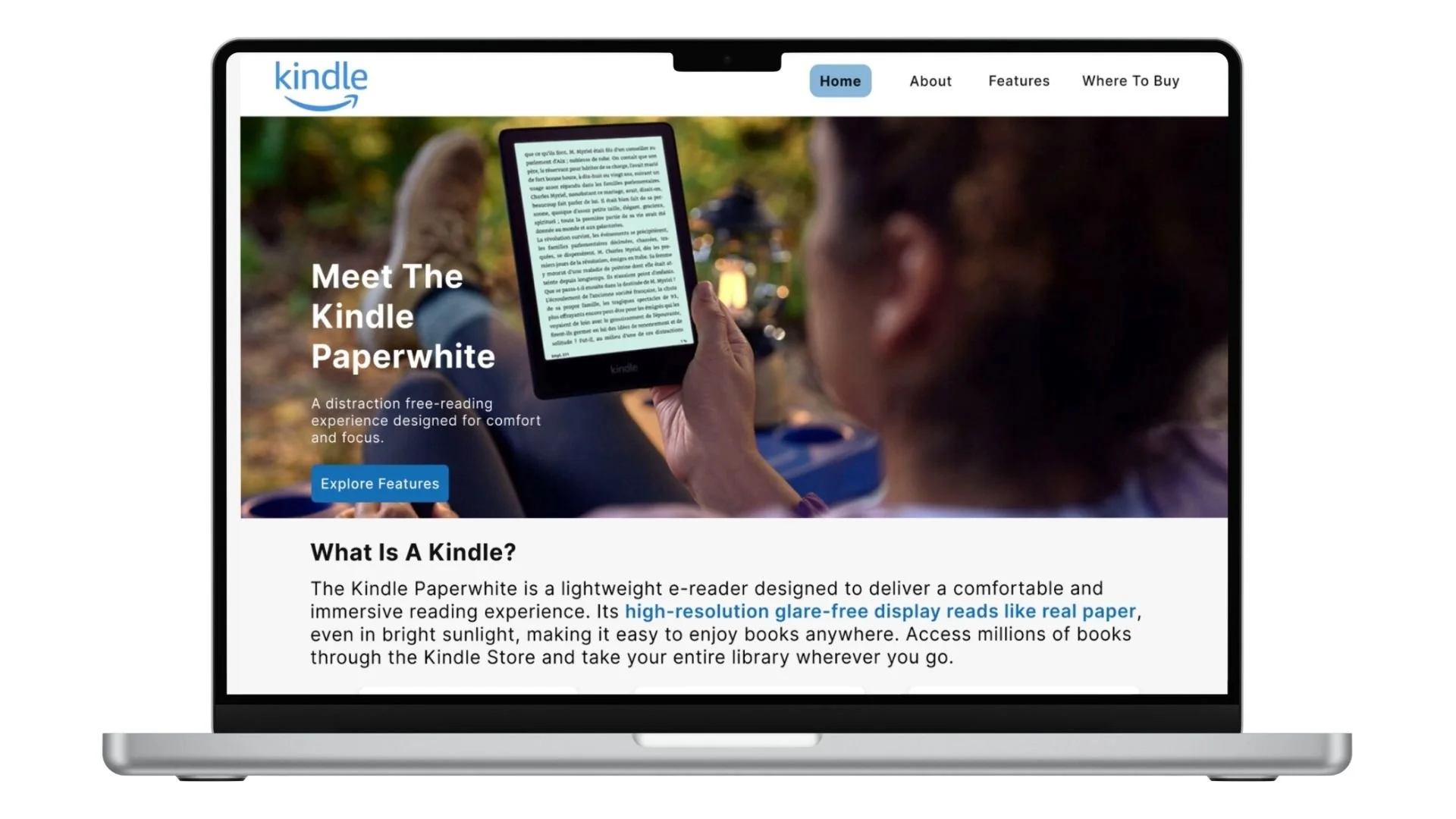
This project focuses on designing an informational website for the Amazon Kindle Paperwhite. The goal was to create a clean, intuitive interface that helps users understand the product, explore its features, and easily navigate to purchasing options. The design emphasizes clarity, visual hierarchy, and a smooth user experience.
Multimedia Principle
〰️
Fitts Law
〰️
Millers Law
〰️
Law of Proximity
〰️
Zeigarnik Effect
〰️
Multimedia Principle 〰️ Fitts Law 〰️ Millers Law 〰️ Law of Proximity 〰️ Zeigarnik Effect 〰️
Project Goals
The goal of this project was to design a clear and intuitive product interface for the Kindle Paperwhite that helps users understand its features and benefits. The design focuses on organizing information into structured sections, using visual elements to highlight key details, and maintaining a simple navigation system that allows users to explore the product easily.
Usability
Clarity
Memorable
Process
Project Proposal
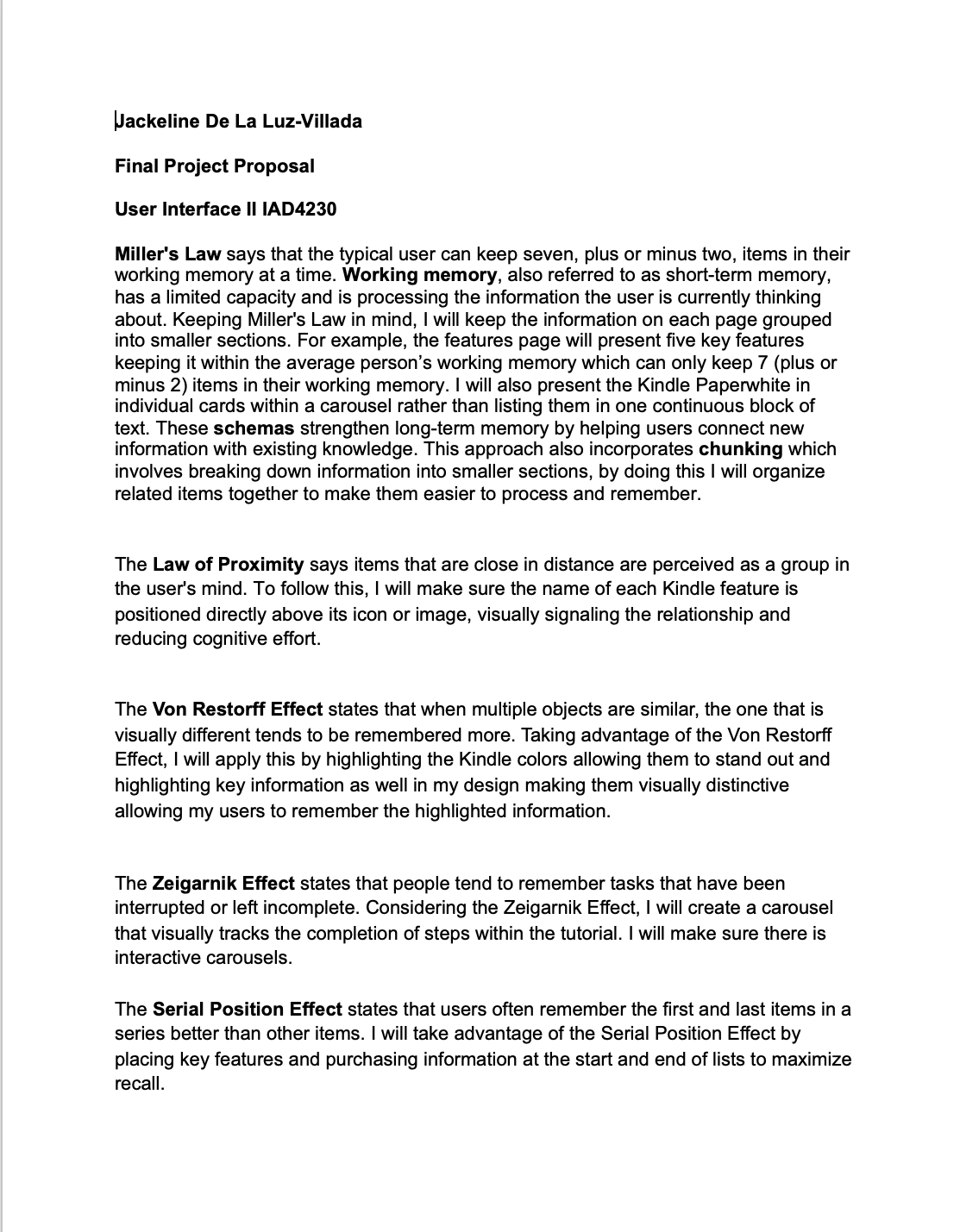
The project proposal served as the foundation for all design decisions throughout the process. How I would incorporate every user interface principle into my project. The structure outlined in the proposal directly translated into the final interface, ensuring that each page had a clear purpose and contributed to an overall cohesive user experience.
User Interface Principles
Millers Law
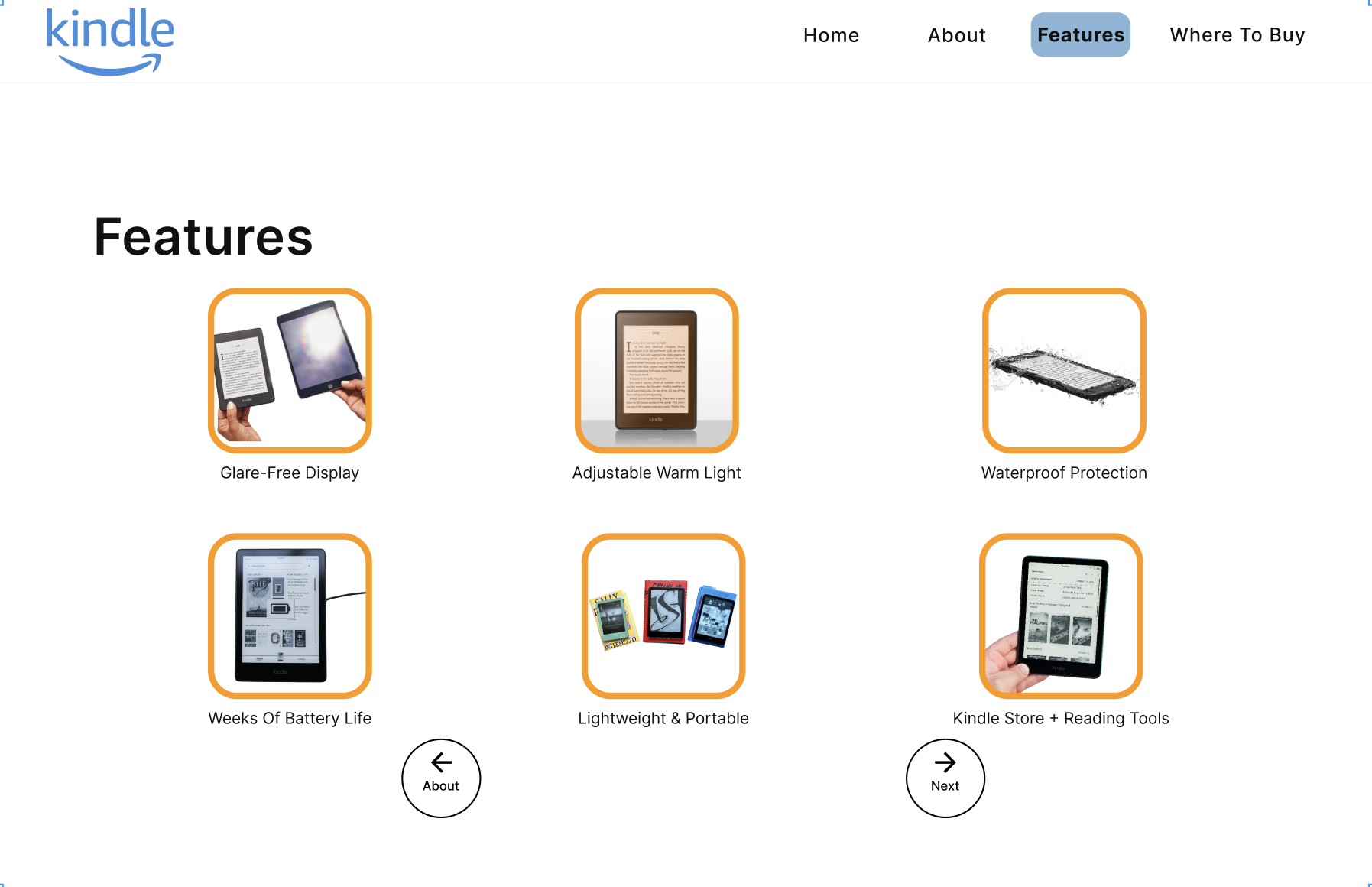
Miller's Law says that the typical user can keep seven, plus or minus two, items in their working memory at a time. Working memory, also referred to as short-term memory, has a limited capacity and is processing the information the user is currently thinking about. Keeping Miller's Law in mind, I have kept the information on each page grouped into smaller sections. For example, the features page presents five key features keeping it within the average person’s working memory which can only keep 7 (plus or minus 2) items in their working memory.
Law Of Proximity
The Law of Proximity says items that are close in distance are perceived as a group in the user's mind. To follow this, I will make sure the name of each Kindle feature is positioned directly above its icon or image, visually signaling the relationship and reducing cognitive effort.
Zeigarnik Effect
The Zeigarnik Effect states that people tend to remember tasks that have been interrupted or left incomplete. Considering the Zeigarnik Effect, I created a carousel that visually tracks the completion of steps within the tutorial. I made sure there is interactive carousels.
Multimedia Principle
The Multimedia Principle states that people tend to learn better when words and pictures are used together rather than words alone. I adhered to this principle by making sure each feature of the Kindle Paperwhite was paired with an illustrative icon or image to reinforce comprehension and reduce the cognitive effort required to process the content. Providing images and text enhances the germane cognitive load of the user. Germane cognitive load is the mental effort used in the working memory to process helpful but non-essential material. Even though images are not a requirement
Final Prototype
The final design presents a clean and intuitive interface that guides users through the Kindle Paperwhite experience from introduction to purchase. Each page is structured to clearly communicate information, using progressive disclosure to highlight features without overwhelming the user. Interactive elements such as carousels and feature callouts enhance engagement and improve understanding. Overall, the design prioritizes clarity, consistency, and ease of navigation to create a seamless user experience.